Structured cabling · Lower Mainland, BC

Network cabling for offices, clinics and warehouses.

Cat6, Cat6A and fiber drops, rack build-outs and Wi-Fi cabling across Vancouver and the Lower Mainland. Every run is tested, labeled and documented. Then, if you want, we set up and run the network on top of it.

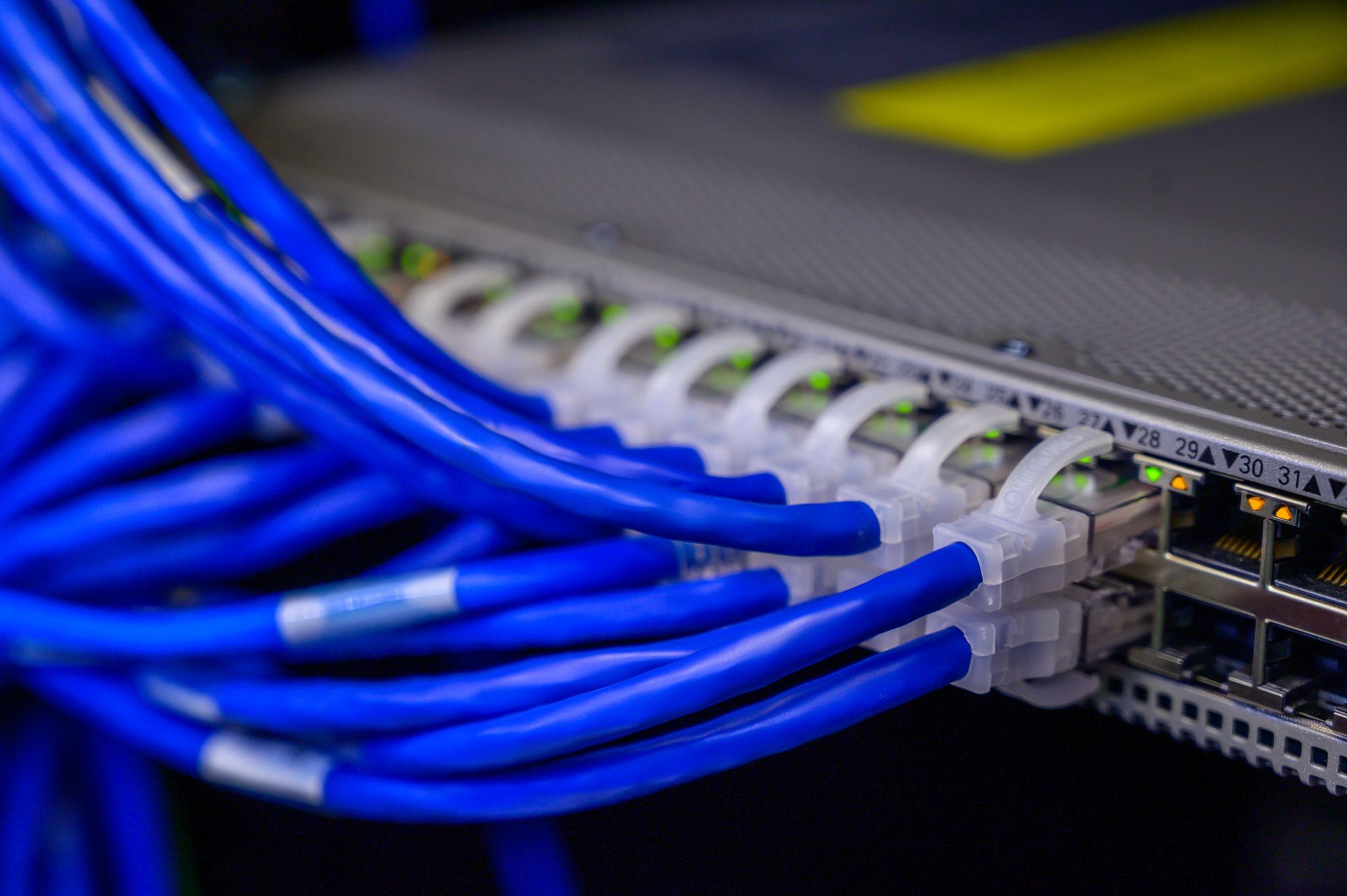
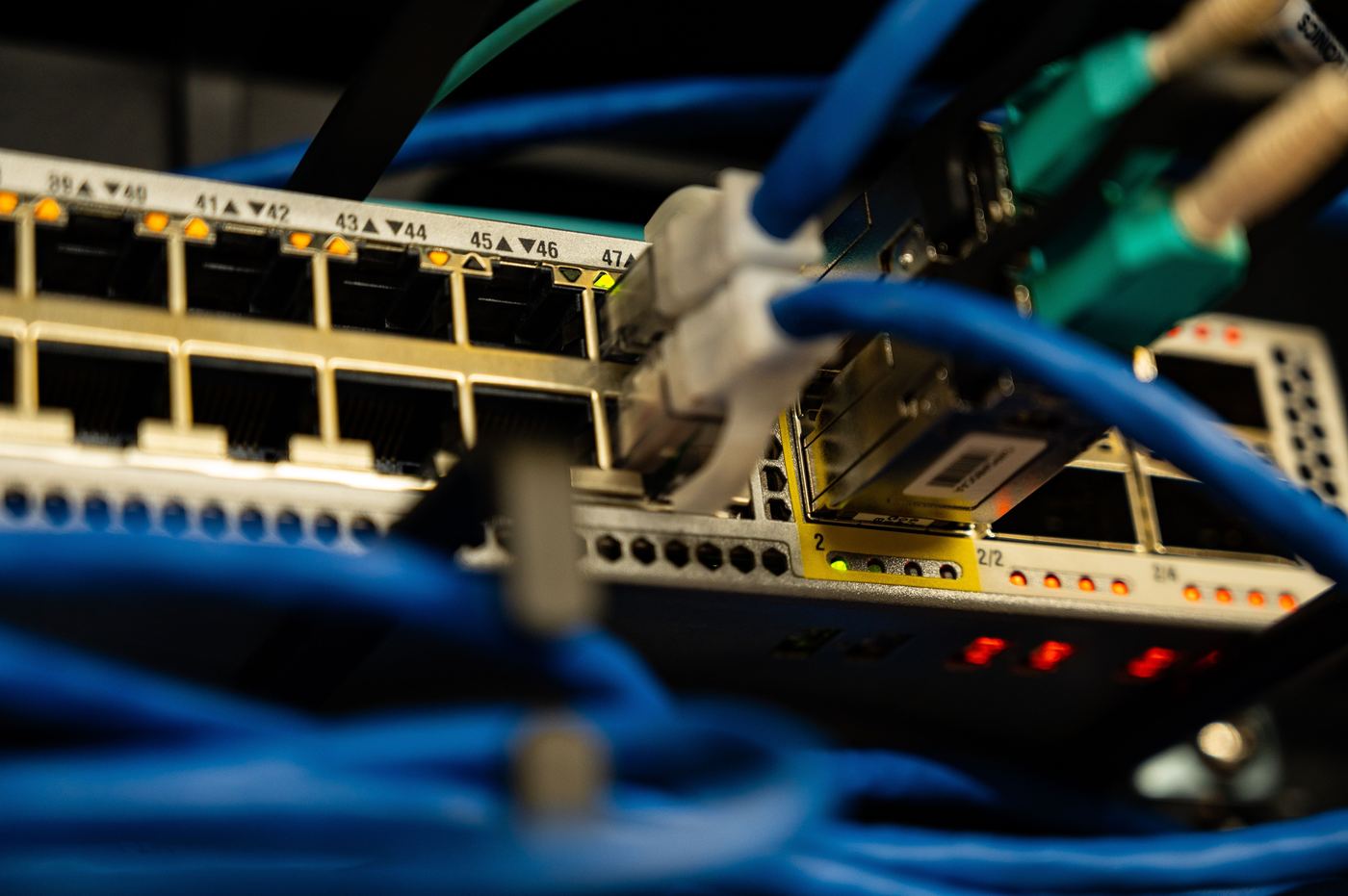
Blue Cat6 patch cords plugged into a rack-mounted switch, link lights lit and port numbers printed along the panel.
01 Cat6 / Cat6A / fiber
02 Tested, labeled, documented
03 Fixed quote after walkthrough
04 Metro Vancouver & Fraser Valley
Scope of work

From the jack on the wall to the switch in the rack.

Four areas, one contractor, one quote. Most jobs use some of each, and the walkthrough decides how much.

A fan of copper patch cords in blue, grey, yellow, orange, red, green and black, each terminated with an RJ45 plug. A numbered patch panel above a PoE switch, ports 13 to 24 labeled and link lights showing. Fiber patch cords with LC connectors terminated into a patch field, ports marked by hand. The Wi-Fi control on a phone, switched on after the access points are cabled and mounted. 01 / 04 · COPPER
01 Copper

Data drops & horizontal cabling

Cat6 and Cat6A runs from each desk, room or device back to the network room. Plenum or riser rated cable where the building calls for it, terminated on keystone jacks and patch panels, with every run certified.

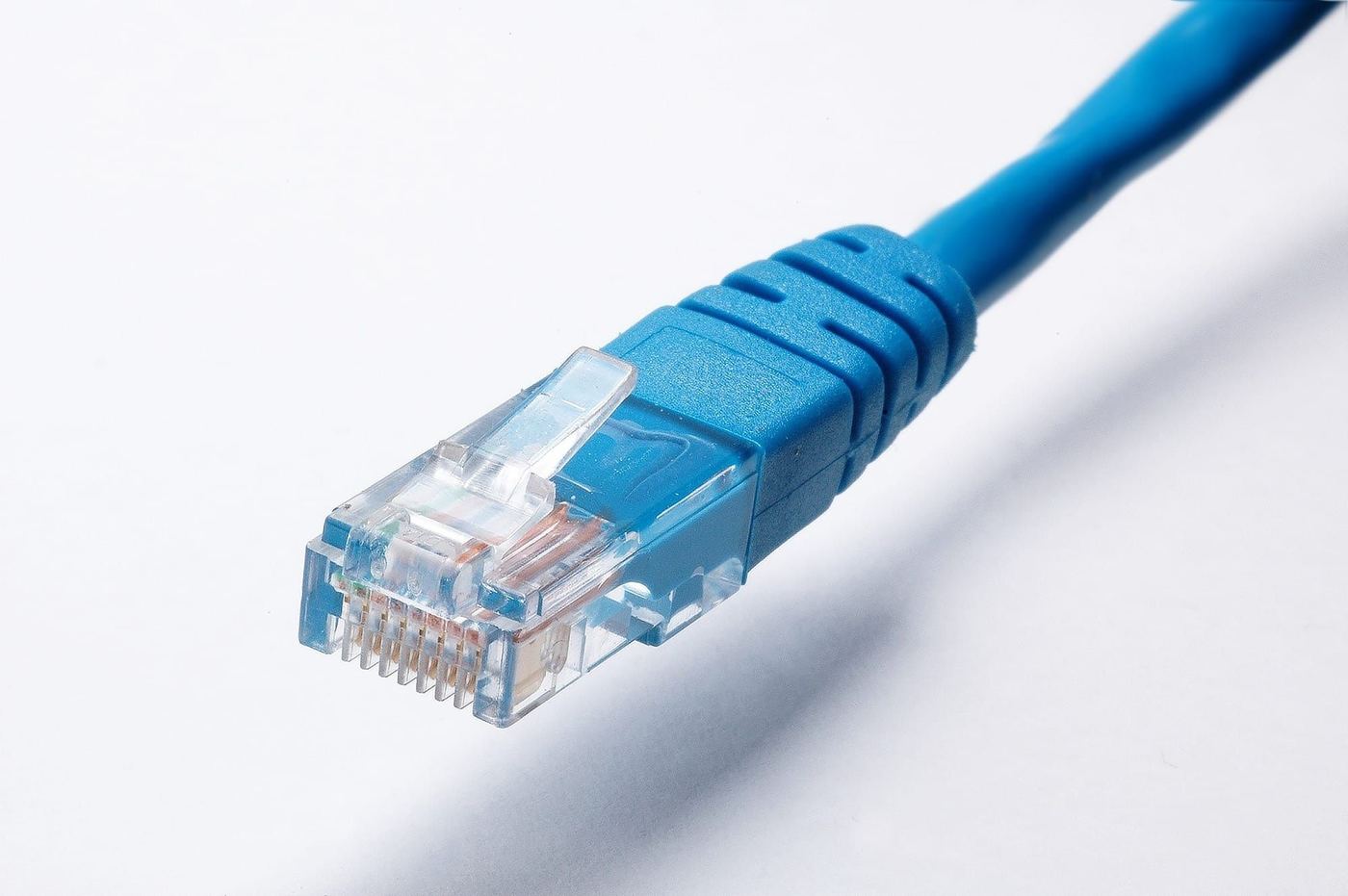
A fan of copper patch cords in blue, grey, yellow, orange, red, green and black, each terminated with an RJ45 plug.
  • Cat6 & Cat6A
  • Desk & wall drops
  • Meeting rooms
  • Plenum & riser
  • Faceplates & keystones
  • Surface raceway
  • Adds & moves
  • Decommissioning
02 Rack

Network rooms & racks

Rack or wall-mount cabinet build-outs with patch panels, cable management, PoE switches and UPS power. We also clean up existing closets: re-terminate, re-label, and give you a room you can trace a cable in.

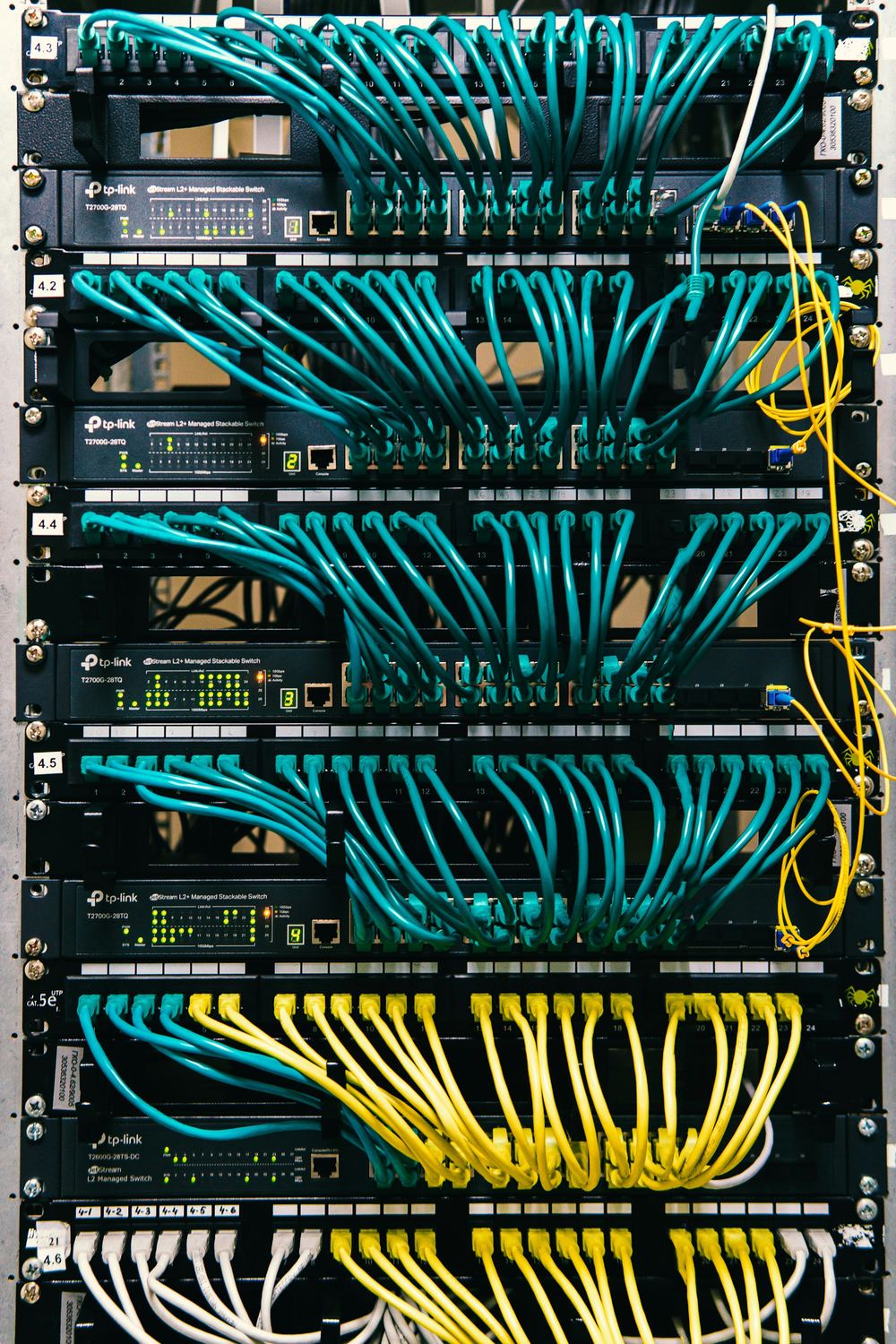
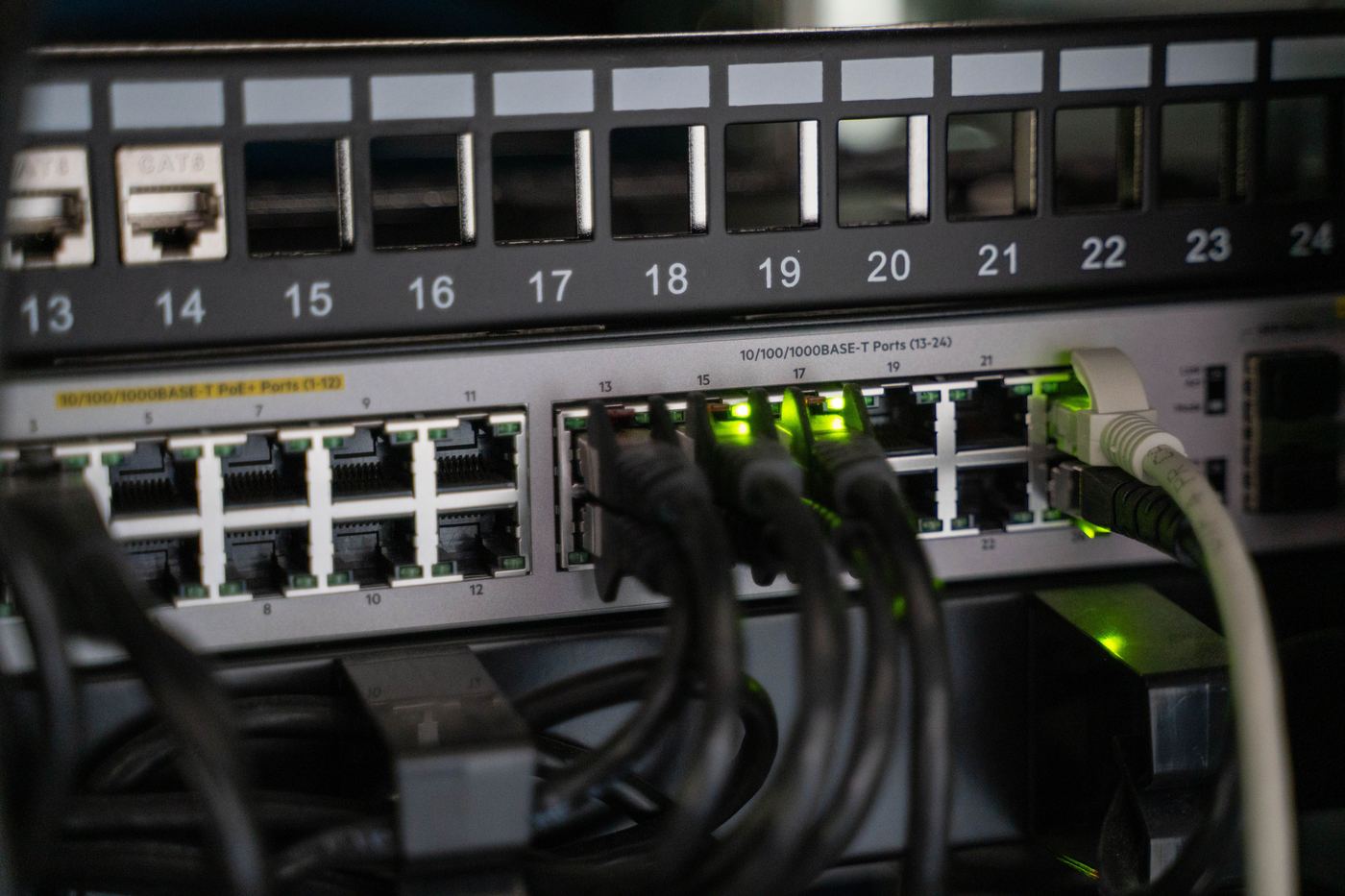
A numbered patch panel above a PoE switch, ports 13 to 24 labeled and link lights showing.
  • Rack build-outs
  • Patch panels
  • Cable management
  • Closet cleanups
  • Switches & PoE
  • UPS power
  • Demarc extensions
  • Grounding
03 Fiber

Fiber & backbone

Fiber between floors, between buildings on the same site, or from the demarc to your rack when the run is too long for copper. Multimode or single-mode, terminated and tested, so the link speed on paper is the one you get.

Fiber patch cords with LC connectors terminated into a patch field, ports marked by hand.
  • Floor-to-floor risers
  • Building-to-building
  • OM4 multimode
  • OS2 single-mode
  • LC terminations
  • Light-loss testing
  • Fiber trays
  • Media converters
04 Devices

Wi-Fi, camera & device drops

Cabling for the things that hang off the network: Wi-Fi access points placed where coverage is actually needed, PoE drops for cameras, door controllers, printers, TVs and phones. We mount and connect the access points too.

The Wi-Fi control on a phone, switched on after the access points are cabled and mounted.
  • Access point placement
  • PoE camera drops
  • Door controllers
  • Printers & TVs
  • VoIP phones
  • Warehouse coverage
  • Outdoor & yard
  • AP mounting
The standard

Nothing is finished until it's documented.

Most cabling problems show up years later, when someone has to work out which of forty unlabeled blue cables goes to the boardroom. Every job closes out against the same list.

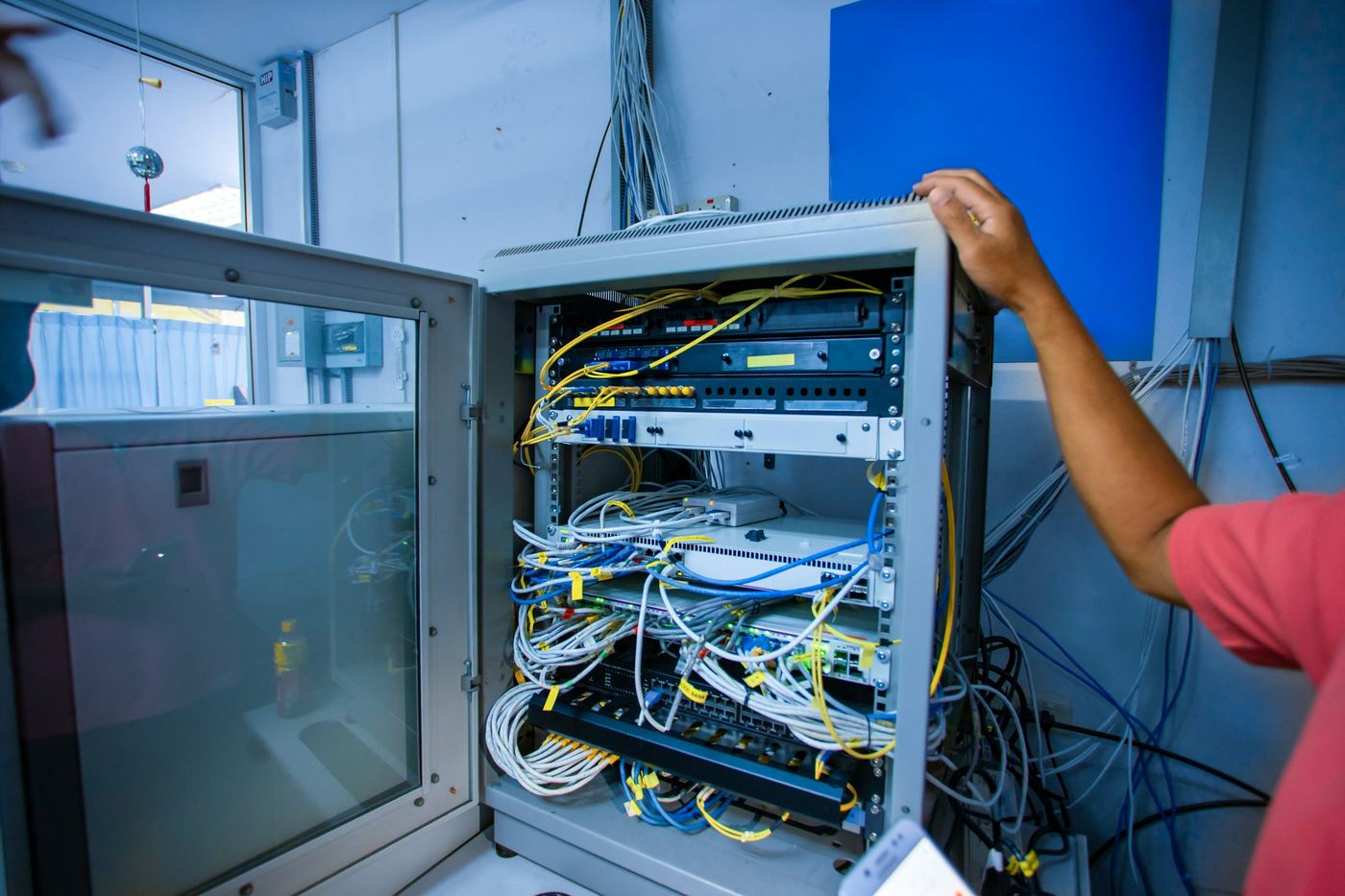
A technician opening a wall-mounted comms cabinet to reach the patch panels and switches inside, patch cords tagged with labels.
Handover checklistEvery job
  • 01

    Every run tested and certified

    Each drop is tested to the Cat6 or Cat6A standard before handover, not just checked for a link light. You get the test report.

  • 02

    Labeled at both ends

    Faceplate and patch panel port carry the same printed label, so anyone can trace a run without pulling ceiling tiles.

  • 03

    As-built drawing

    A floor plan marked with drop locations and IDs, plus the patch panel layout. Useful to your next IT provider too, if it isn't us.

  • 04

    Clean pathways, clean site

    Cable supported properly above the ceiling, bundles dressed in the rack, and the space left the way we found it.

  • 05

    The network works when we leave

    Because we also do managed IT, the job doesn't stop at the patch panel. Switches configured, Wi-Fi up, staff logging in on day one.

How a job runs

Walkthrough to handover.

Most office jobs run from first call to handover in a couple of weeks. Larger fit-outs get scheduled around your contractor's timeline.

  1. Step 01 · Walkthrough

    We look at the space

    We count drops, check ceiling access and the route back to the network room, and find where the internet service comes in. For new builds, a floor plan is enough to start.

    You end up withA drop plan and a realistic budget range.
  2. Step 02 · Quote

    A fixed number, itemized

    Drop count, cable grade, rack hardware and fiber on separate lines. The price doesn't move unless you change the scope.

    You end up withA written quote you can hand to your GC or landlord.
  3. Step 03 · Install

    Cable in, coordinated

    We work around your general contractor, electrician and landlord. Occupied offices are usually done evenings or weekends so nobody is working around ladders.

    You end up withDrops pulled, terminated and dressed into the rack.
  4. Step 04 · Handover

    Tested, labeled, live

    Every run certified, the as-built drawing delivered, and the network up. Ongoing support afterwards is a separate conversation and no obligation.

    You end up withTest report, as-built drawing, working network.
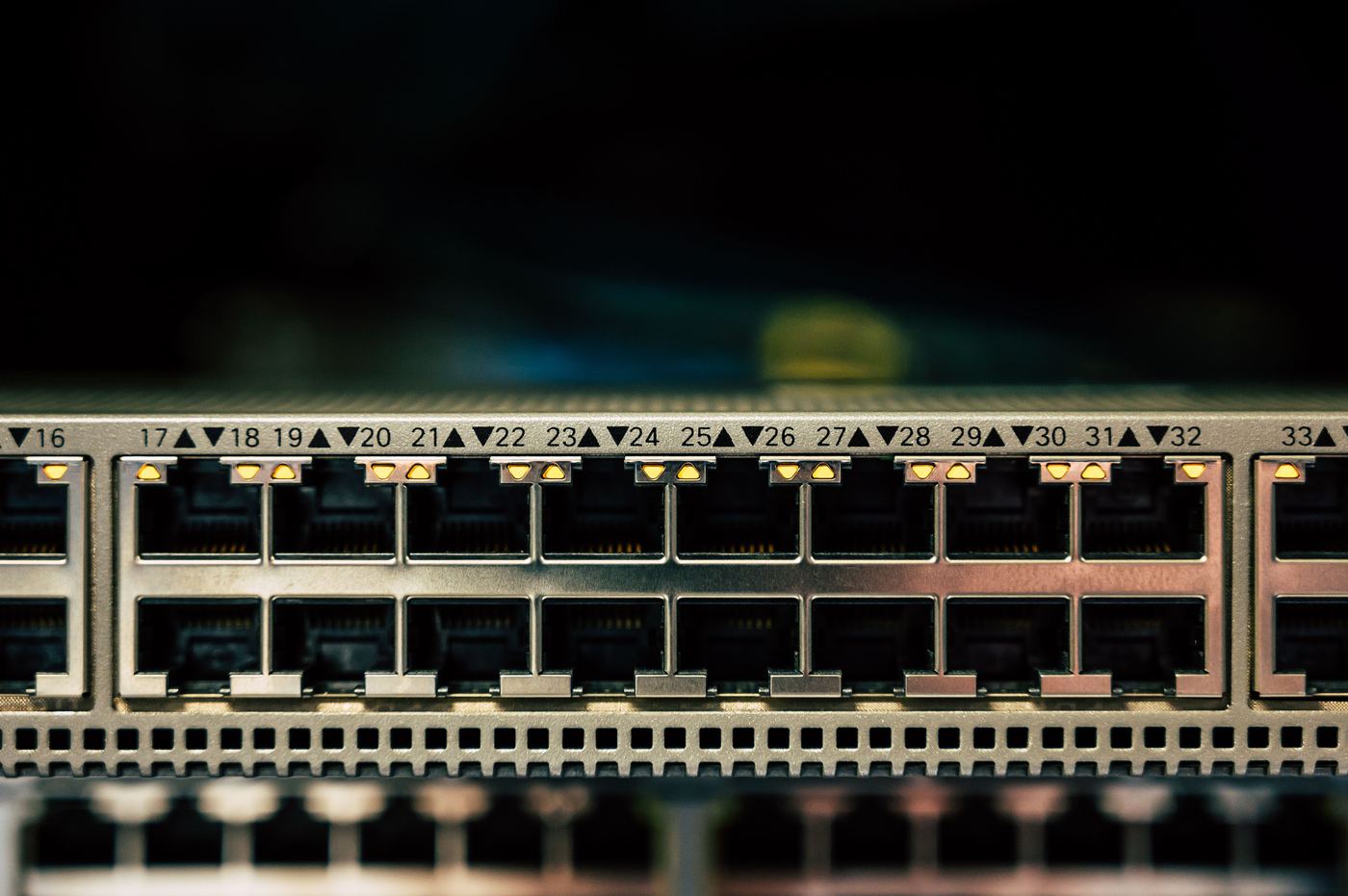
A switch faceplate photographed straight on, every port numbered and link lights lit across the row.
The whole chain

One contractor from the wall jack to the internet.

Pricing

You see the line items, not a lump sum.

Jobs are quoted per drop, with rack hardware, fiber and switching broken out separately. Here's the shape of a typical quote. The numbers go in after we've walked the space.

Sample scope · 24-person office, single floor
Line itemQtyPrice
Cat6A drop to desk — installed, terminated, certified24On walkthrough
Cat6A drop to meeting rooms4On walkthrough
Cat6A drop to Wi-Fi access point locations5On walkthrough
48-port patch panel, punched down and labeled1On walkthrough
12U wall-mount rack with cable management1On walkthrough
48-port PoE switch, configured1On walkthrough
Certification testing, labeling, as-built drawingIncluded
After-hours or weekend installOptional

Swipe the table sideways for quantities →

Counting your own drops? Roughly one per desk, two per meeting room, one per printer or TV, one per access point. Or send the floor plan and we'll count.

What moves the price
  • Number of drops and distance back to the rack
  • Cat6 vs Cat6A, plenum vs riser rated cable
  • Ceiling type: open, drop tile, or hard lid
  • Walls open (new construction) or finished
  • Fiber runs, single-mode vs multimode
  • After-hours or weekend installation
  • Rack, panels, switches and UPS you want supplied
Where we differ

An IT firm that pulls its own cable.

Cabling-only contractors do good work and stop at the patch panel, because that's their scope. Ours runs further, and that changes who owns the gaps.

On the jobCabling-only contractorJFI Consulting
Deciding where drops goYou or your GC hand over a countWe plan it around how the network gets used
Pulling, terminating, certifyingYes, this is their tradeYes, to the same standard
Labels and as-built drawingOften a separate line itemAlways included in the job
Switches, Wi-Fi and firewall configuredOut of scope, back to your IT providerPart of the same engagement
Moving the internet service overOut of scopeWe coordinate it with the carrier
A port stops working a year laterNew call-out, new ticketSame person who wired it picks up

Swipe the table sideways to compare →

Service area

On site across Metro Vancouver and the Fraser Valley.

We're based in the Lower Mainland and cable commercial spaces throughout it. A bit further out, ask. For multi-site rollouts we can coordinate the other locations too.

Common questions

Before you get a quote

01Cat6 or Cat6A?
Cat6 handles 1 Gbps to every desk and 10 Gbps over short runs, and it's fine for most offices. Cat6A carries 10 Gbps the full distance and supports higher-power Wi-Fi access points, so we usually recommend it for AP drops, anything you expect to keep for ten years, and buildings you won't get back into once the ceilings close.
02Do we need an electrician as well?
Not for the data cabling itself. You will if the network room needs new power circuits, or if your fit-out involves electrical work anyway. We coordinate with your electrician either way so the outlets and the data jacks end up in the same places.
03Can you work while the office is occupied?
Yes. Occupied spaces are usually done evenings or weekends so nobody is working around ladders and open ceiling tiles. Empty spaces and new construction get done during the day.
04Do you do small jobs?
Yes. A handful of drops for a new office or a couple of access points for a dead zone is a normal job for us, and it's often how a longer relationship starts.
05Do you work with our general contractor?
Yes, and it's the best way to do a fit-out. Bring us in while the walls are still open and we'll coordinate rough-in with the GC, then come back to terminate and test once drywall is up.
06Do you test and certify the cabling?
Every run. Each drop is tested against the Cat6 or Cat6A standard, not just checked for a link light, and you receive the test report with the as-built drawing.
07Can you also set up the switches and Wi-Fi?
Yes. That's the point of using an IT firm for the cabling. We configure the switches, access points and firewall, move the internet service over, and make sure staff can log in on day one. Ongoing support afterwards is optional.
08Do you do homes?
Yes. Most of our work is commercial — offices, clinics, retail, warehouses and light industrial — but we take on residential jobs too. Home offices that need a proper wired connection, drops for TVs and games consoles, and Wi-Fi coverage in the parts of a house that never had any. Same standard either way: tested, labeled and documented.
Get a quote

Tell us about the space

A rough drop count, the address and a move-in date is enough to start. A floor plan is better. We'll come back with a walkthrough time or a budget range, whichever you need first.

One per desk, two per meeting room, one per AP.
PDF or image. Up to 10 MB.

We reply within one business day. Your details are only used to get back to you about this job.